Day Summary
Introduction
The Summary screen shows you all the activities you achieved for your day rounded off to the nearest 15 minutes. If you repeated the same activity again later in the day, the time is combined as one.
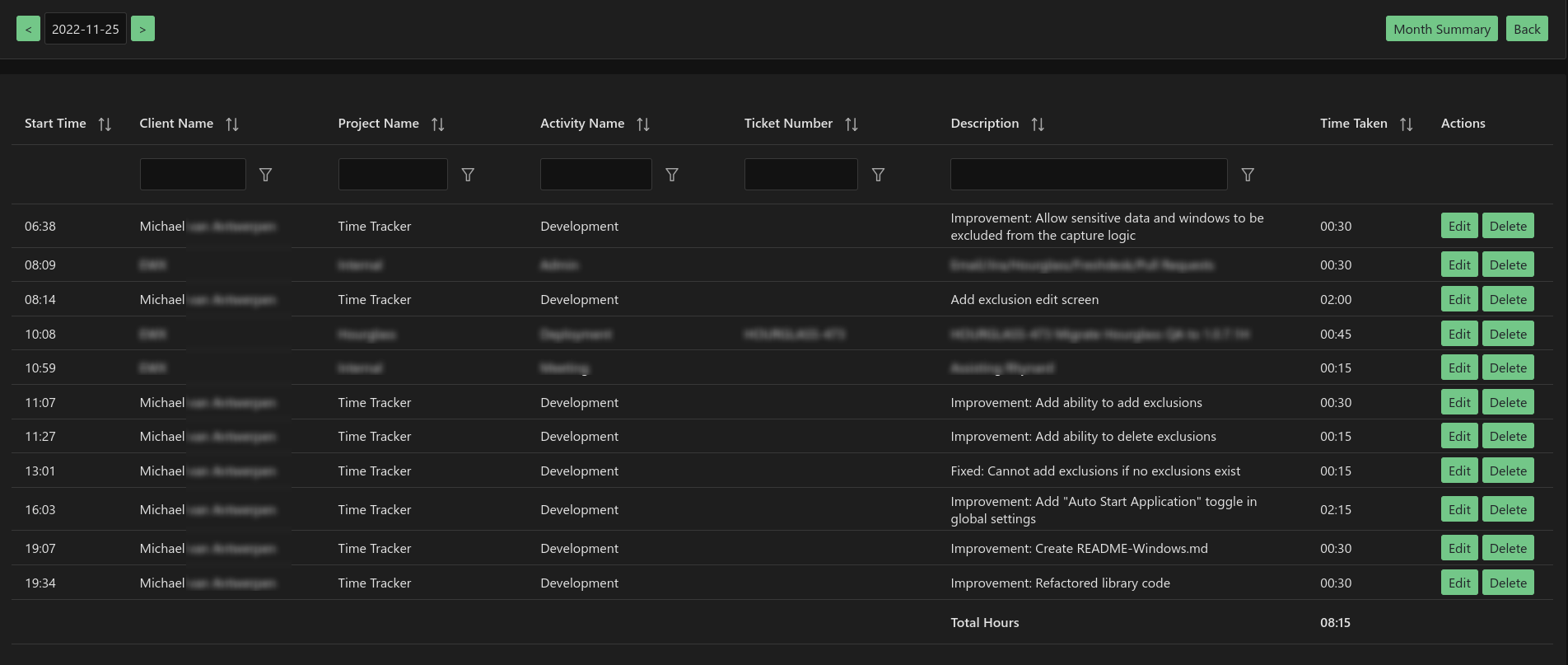
Using the summary screen, you can very easily see how much time you spent on completing your tasks for completing your daily timesheets.
Monthly Summary
If you would like to see which projects you worked on for the entire month. Simply select the Month Summary button.
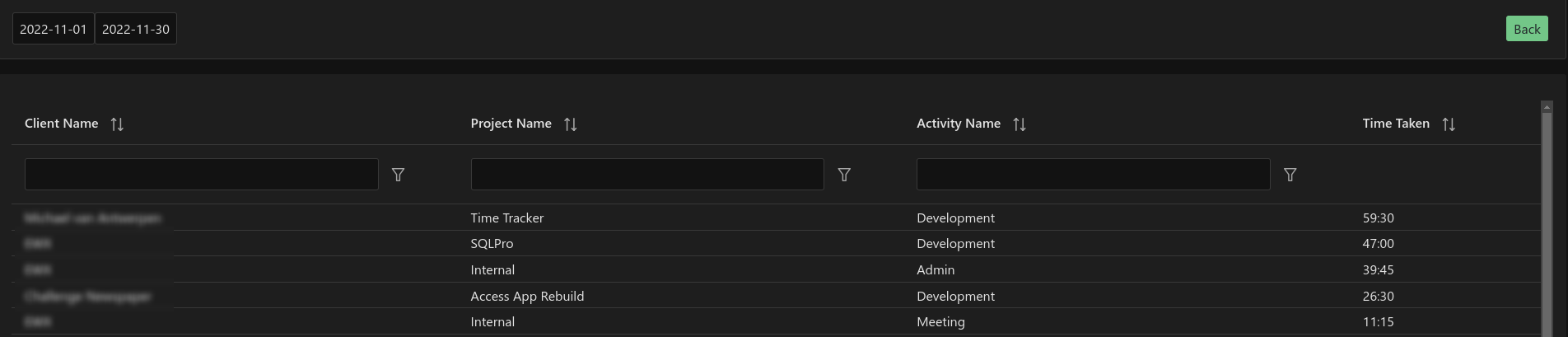
You can adjust the start and end day for the "Month Summary" by changing the Start and End dates. So you can easily see what you did for the last week, month, year, etc.