Auto Capture
Introduction
Auto Capture allows the tool to automatically capture the time if the window name or application name matches the provided filters.

The window name and application name are case-insensitive and check if the filter contains the provided text. For example, if I filter "Outlook" for the window name window name, it would match "Microsoft Outlook", "Mail - Outlook", etc.
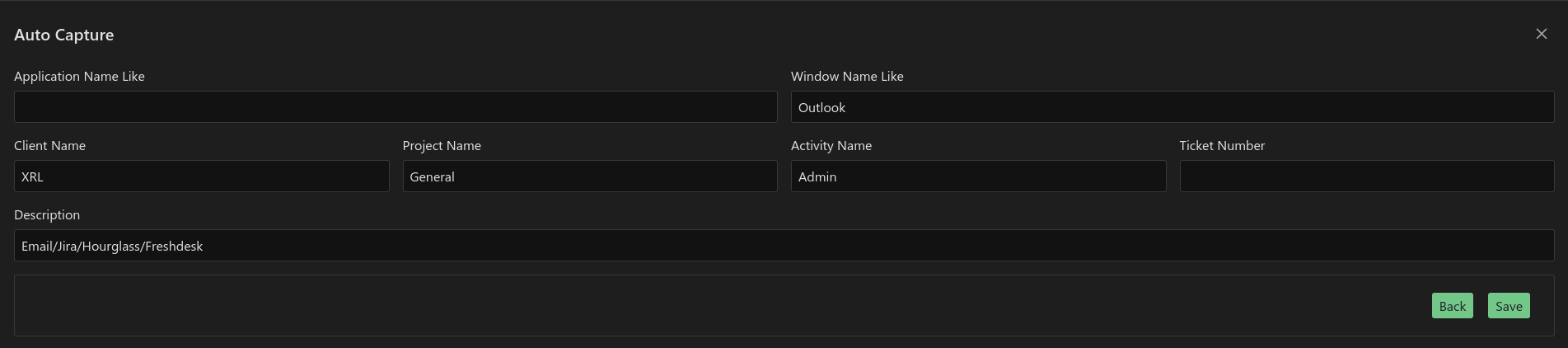
Then you can select which client, project, activity, ticket number, description where this time will be auto-captured